Best Grok companion alternative for work (2026)
Grok's 3D companions are being wound down. If you want AI with a face that also does real work, here are your options, compared honestly.
 The Fluf team··Updated ·7 min read
On this page
Grok's companions proved something the rest of the industry kept pretending wasn't true: people want AI with a face. Not a grey text box. A character that reacts, remembers and has a personality you can recognise across a week of use.
Work tools proved something else: people want AI that actually does things, like research, files, inboxes and the browser tab they keep putting off.
Almost nobody shipped both in one product. That gap is the subject of this article, and yes, it's the gap we built Fluf to fill. We'll be straight about where we fit and where something else is the better pick.
What happened to Grok companions
In July 2026 xAI announced it would retire the 3D avatar companion mode. According to a Layer3 Labs explainer, the announcement came on July 24, 2026 and covered characters including Ani, Rudy and Valentine. The animated companion mode is being phased out; regular text chat with Grok keeps working.
The timing is disputed. Layer3 says the rollout "can vary by region and account" and gives no firm shutdown date. RoboRhythms also describes the removal as uneven. Some reports give a specific September date, but we couldn't confirm it from xAI directly. If your companion is still there, it may simply not have reached your account yet. If it's gone, you're not imagining it. Later reports say the animated Ani now lives in a separate app with its own account, and that chat history didn't carry over (AI Insights News).
xAI's attention has clearly moved to work. In August 2026 it launched Grok Bot, "standing" workers that each get a persistent cloud Linux machine with a browser and terminal, and keep working until they need your approval. Eesel's review describes a "teach-a-task" feature that turns one demonstration into a reusable skill. Useful. But it's a cloud worker, not a character.
What people actually liked about companions
Strip away the controversy (and there was plenty, with Hacker News commenters calling some companions "AI-powered thirst traps") and the appeal is simple:
- Presence. Something on screen that looks at you, reacts and feels awake. A blinking cursor doesn't do that.
- Personality. A consistent voice. One commenter's verdict on Ani: "She's well... well prompted". Consistency is a design choice, and people notice it.
- Continuity. Fans who lost companion progress felt it, according to Layer3's coverage. Memory is emotional, not just technical.
None of that is unique to romance or entertainment. Those are exactly the qualities that make a work tool feel trustworthy. You want to know who is doing the job, what mood the job is in and whether it remembers last Tuesday.
What a work companion actually needs
A character alone is a screensaver. If you want a companion that earns its place on your desktop, insist on five things:
- Real tasks, not just chat. Research, writing, file work, and ideally computer use: clicking through apps that have no API.
- Memory that sticks. It should remember your preferences, your projects and its own mistakes, and you should be able to see and edit what it knows.
- It asks before risky actions. Sending, spending and deleting should stop for your approval. Every serious AI-worker product now does some version of this, and you should never accept less.
- A clear view of what it's doing right now. Not a spinner. A plain line saying what it's working on, and a way to stop it.
- Personality that survives a model change. The model underneath will change. Your companion's name and voice shouldn't.
Your options, compared
Here's the honest landscape as of October 2026.
| Has a character | Does real work | Runs where | AI cost model | |
|---|---|---|---|---|
| Grok (text chat + Grok Bot) | Text personas; 3D companions retired (reported) | Yes, via Grok Bot | Cloud | SuperGrok subscription |
| ChatGPT (Work, Dots, Codex app) | A customisable dot avatar | Yes | Cloud and desktop | ChatGPT plan |
| Claude (merged app, formerly Cowork) | No | Yes | Desktop and cloud | Claude plan |
| Character "AI helper" apps (e.g. Sintra) | Yes, illustrated helpers | Limited, cloud tasks | Cloud | Credits |
| Fluf | Yes, a team of living 3D characters | Yes, including computer use | Your computer | Your own AI apps or keys |
Grok Bot
If you're already on SuperGrok and want a capable cloud worker, Grok Bot is the natural next step. Access started on the top tiers; one source reports it widened to the $30 SuperGrok tier in late August, though we couldn't confirm that with xAI. The trade-off is that the agent runs on xAI's machines and, as eesel puts it, needs the keys to your accounts. There's no companion face on it.
ChatGPT
OpenAI's work features are polished and broad. The old do-it-for-you mode has been folded into ChatGPT's newer work features (its help page now points there), Dots give Pro and Workspace Premium users an always-on worker with its own cloud computer and a customisable avatar, and the Codex desktop app adds computer use. Dots are the closest OpenAI gets to a face; you can't yet edit a dot's individual memories (OpenAI help).
Claude
In September 2026 Anthropic merged Cowork into Claude: one request box, scheduled work, and jobs that keep going after you close your laptop. It's a superb single worker. It's also one worker, with no character and no team structure.
Character helper apps
Apps like Sintra give you named, illustrated helpers (Buddy the strategist, Penn the copywriter, and so on). This is the closest thing to "companion meets work" on the market. The catch is credits: reviewers on Trustpilot complain about billing and credit changes, and the helpers work in the cloud on a fixed credit allowance.
Fluf
Fluf is what we built when we couldn't find the product above.
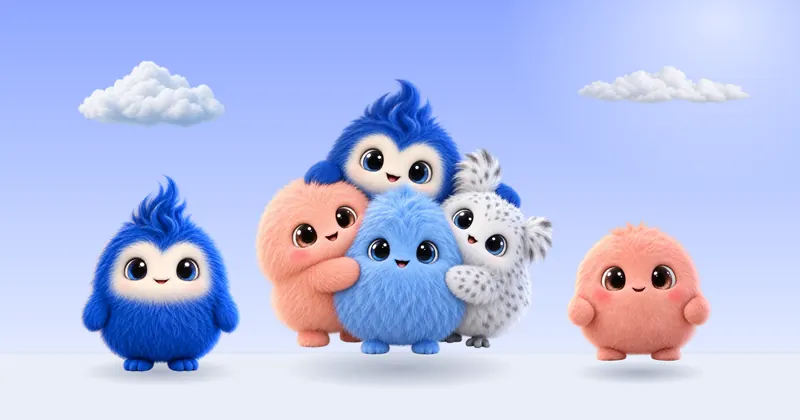
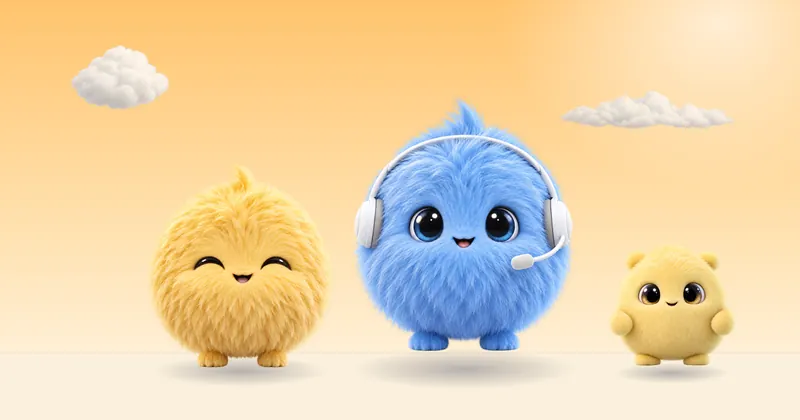
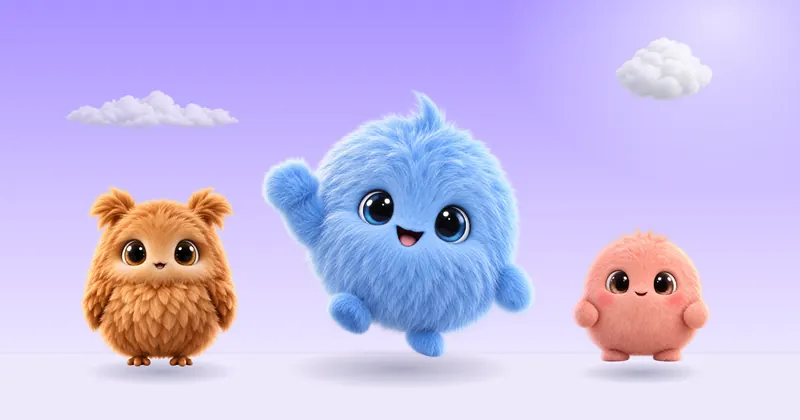
Every agent is a Fluf: a soft, semi-realistic 3D creature with its own name, personality, favourite snack and habits. Pom, the main Fluf, is periwinkle blue, curious and keeps a little notebook of everyone's wins. Others read, verify, design, file and joke. They look at your cursor, react when you hover, lean in with a magnifier when they're researching and occasionally pull out a snack mid-task. It's a character layer built with the care companion apps put into theirs, attached to agents that work.
And they do work:
- One agent or a whole company. Hire one agent for one job, or organise many into workspaces, departments and teams with manager agents (departments, teams and managers come with Pro), each compartment with its own memory and rules. Group chats put you and several agents in one conversation, so you can read how the work moved.
- Computer use on your Mac or Windows PC, with no GPU required, plus a private desktop per agent on a headless Linux server. The Linux desktop app doesn't drive your apps yet.
- Memory that learns your preferences, plus skills, routines and heartbeats so work happens without a prompt.
- Lives in your chat apps. Reach your agents in Telegram, WhatsApp, Slack, Discord, iMessage, Signal and more. Pro gives every agent its own contact.
- It asks you in the chat. Approvals and questions arrive as cards in that agent's chat, finished work arrives as its reply, and the sidebar shows an unread count. App settings › Notifications decides what pings you.
- Any model. The subscriptions you already pay for (Claude Code, Codex, GitHub Copilot, Cursor, Gemini CLI and more), an API key from Anthropic, OpenAI, Google, xAI, Z.ai (GLM), MiniMax, Moonshot (Kimi), Qwen, DeepSeek or OpenRouter, or a local model through Ollama. Switch an agent's model mid-conversation and its history and personality carry over.
The honest limits: Fluf runs locally, on Mac, Windows and Linux. Your agents work while your computer is on and awake. Running on your own machine is a feature if you care about privacy and a limitation if you want work to continue with your laptop shut. Put Fluf on your own always-on server and it keeps going; Fluf Cloud, where we run your agents for you, is coming soon. Model usage is billed by your own provider plan or key, not by us.
Who should pick what
- You want a cloud worker and live in X's ecosystem: Grok Bot.
- You want one excellent assistant from a frontier lab: ChatGPT or Claude. Both are strong; pick the model you prefer.
- You want illustrated helpers and are fine with credits and the cloud: a character helper app.
- You want characters you'll actually love, a whole team with structure, real computer use and everything on your own machine, running on any model you choose: Fluf.
The bottom line
The companion wave wasn't a fad. It was a design lesson that most work software ignored: presence, personality and continuity make people trust and return to a tool. With Grok's 3D companion mode on its way out, the most interesting question isn't which chatbot to talk to next. It's whether the agents doing your work can have that same warmth.
We think they should. Meet the Flufs and hire one for real work.
Start free. Every new account gets 14 days of Pro free. No card. The Free plan keeps 2 workspaces and 6 agents forever. Pro is $19 a month, or $139 a year. Download for Mac, Windows or Linux.
Fluf is not affiliated with xAI, OpenAI, Anthropic or Sintra. Product details are as reported on the dates linked and may change.
Sources
- Grok FAQ, checked 21 October 2026
- Introducing dots, checked 21 October 2026
- Cowork is now Claude, checked 21 October 2026